
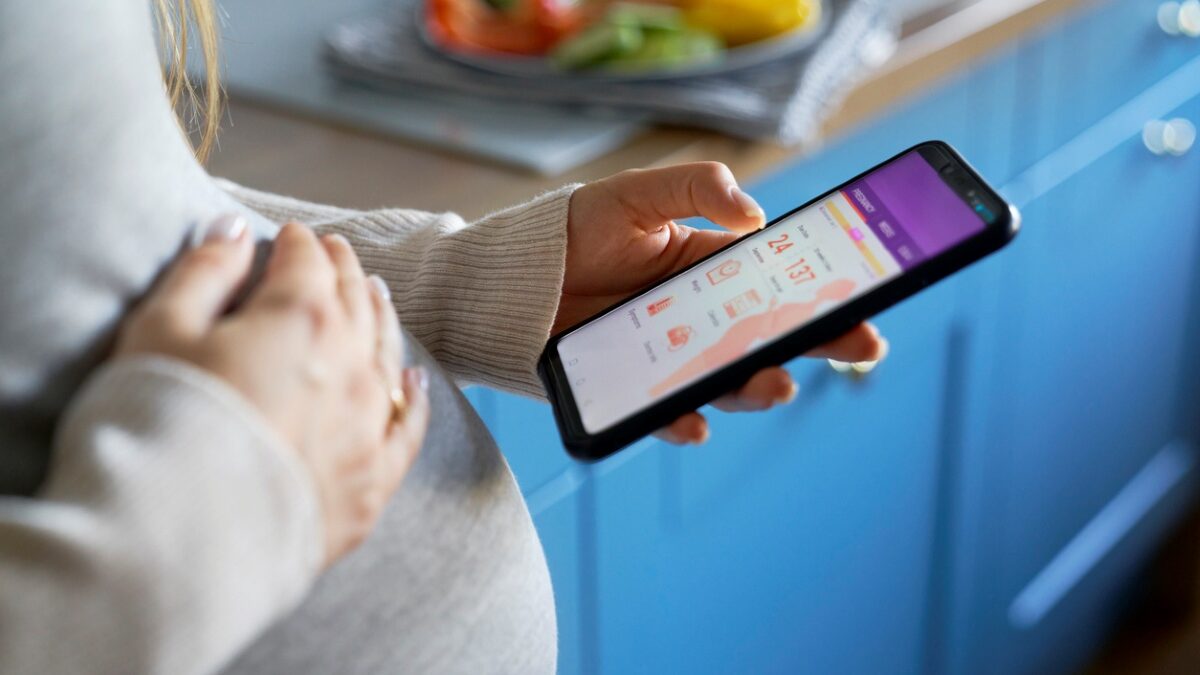
Pregnancy apps can be a helpful tool during your nine months. They track your baby’s growth week by week, log symptoms, time contractions, and help you stay on top of appointments. With dozens of options in the app store, it can be hard to know which ones are actually useful and which are filled with extras you don’t need.
Here is a guide to what to look for in a pregnancy app and which features tend to matter most at each stage.
Features that genuinely help
The best pregnancy apps focus on accurate information and simple tools you will actually use. Look for these key features when comparing options:
- Week-by-week updates on your baby’s size and development
- Symptom and weight tracking
- Kick counters and contraction timers
- Appointment reminders and a place to jot down questions for your provider
- Educational content reviewed by medical professionals
Free apps often cover the basics well. Paid versions may add extras like guided meditations, video classes, or personalized meal plans. Whether those features are worth paying for depends on your individual needs and preferences.
Which pregnancy apps are best for me?
Several apps have been around for years and are widely used by expecting parents. What to Expect is based on the popular book series and offers a community forum along with weekly updates. Ovia Pregnancy includes a symptom tracker and uses your data to flag anything that may need a closer look. BabyCenter Pregnancy Tracker offers daily articles and a due date calculator. Pregnancy+ provides 3D visuals of fetal development and a contraction timer for labor day.
When choosing one, check the app’s reviews, see if the information sources are clearly listed, and confirm that the medical content has been reviewed by qualified providers.
Apps for different stages of pregnancy
In the first trimester, you probably want something simple that explains what is happening week by week and helps you log early symptoms like nausea, fatigue, and food aversions. Most basic pregnancy apps handle this well.
The second trimester is a good time to look at apps that include kick counters and prenatal exercise guides. This is also when many parents have their anatomy scan, so a convenient in-office ultrasound can make tracking your baby’s development easier. Some apps also help you start a baby registry or plan a nursery.
By the third trimester, contraction timers and hospital bag checklists become more useful. A few apps continue into postpartum, helping you track feeding sessions, diaper changes, and your own physical and emotional recovery.
Watch out for too many notifications
One downside of pregnancy apps is information overload. Daily alerts, advertisements, and constant notifications can leave you feeling more stressed than supported. If an app is making you anxious or pulling your attention away from your actual experience, it is okay to turn off notifications, delete it, or switch to a simpler option. The right app should make pregnancy feel more organized, not more overwhelming.
Also remember that apps are not a replacement for prenatal care. They can be a useful tool between visits, but they cannot diagnose problems or give you the personalized guidance your provider can. Programs like prenatal and parenting support and education offer the kind of tailored help no app can match.
Get support that goes beyond an app
A pregnancy app can offer reminders and reassurance, but nothing replaces a knowledgeable provider who knows your full medical history. The team at My OBGYNE in San Tan Valley supports you through every stage of pregnancy, from preconception planning all the way through postpartum care. If you are pregnant or thinking about starting a family, schedule an appointment by calling (480) 987-5500 or visiting myobgyne.com to request a visit online.